Xbox Support App.
On-console support experience — instant access to help, QR-code sharing for mobile follow-along, real-time service status, intelligent topic organization. Help in-game without leaving the game.
Watch on YouTube →- Role
- Producer · Microsoft Xbox
- Format
- Animated case study
- Runtime
- 2:24
- Audience
- 30M+ console / month
- Pipeline
- After Effects · Premiere · Azure TTS
- Status
- Shipped · −35% support calls
Ten moments, 2:24 minutes.
- 0:00Introduction. Overview of the Xbox Support app’s capabilities for both new and experienced users.
- 0:15Accessing support. Multiple access points including the profile and system tab, home screen, and search functionality. Personalized when signed in.
- 0:33Single sourcing & QR. Synced with support.xbox.com. Scan a QR code to read articles on another device while continuing to use the console.
- 1:03Reading on another device. Detailed look at how to scan and read articles on mobile for convenience and multitasking.
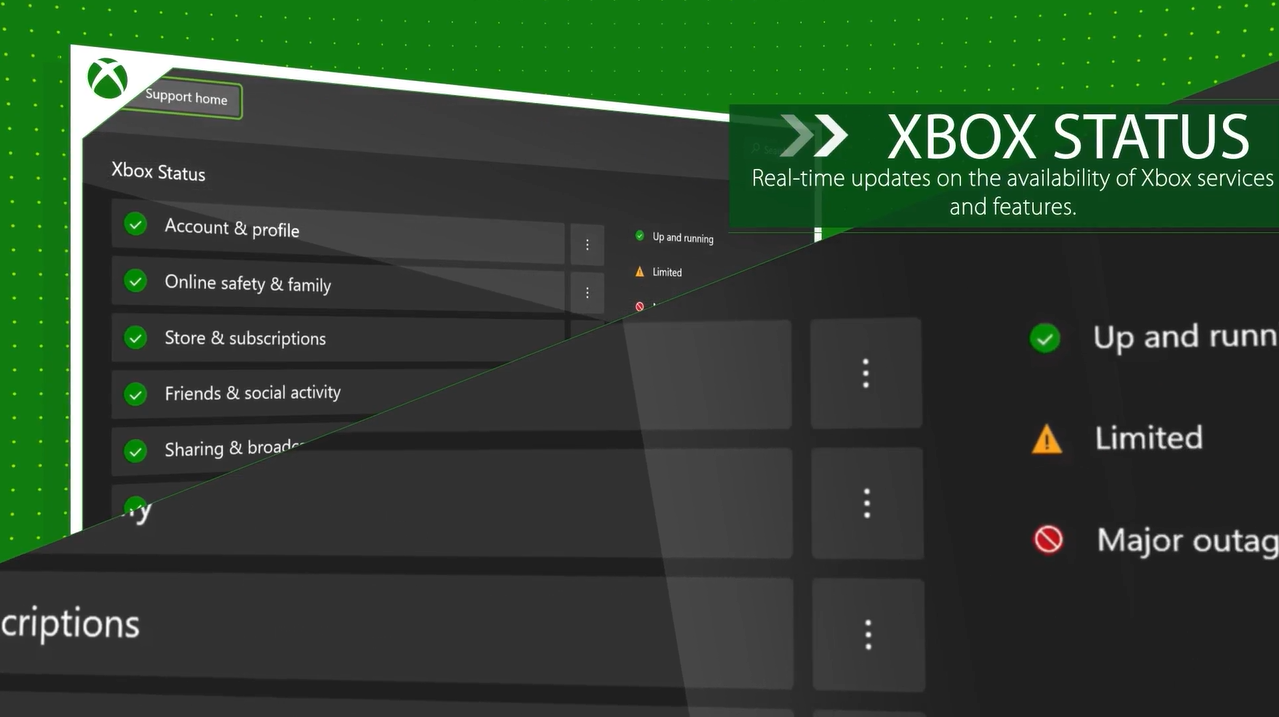
- 1:13Status notifications. The app surfaces Xbox Live status, account services, and live alerts to keep players informed about disruptions.
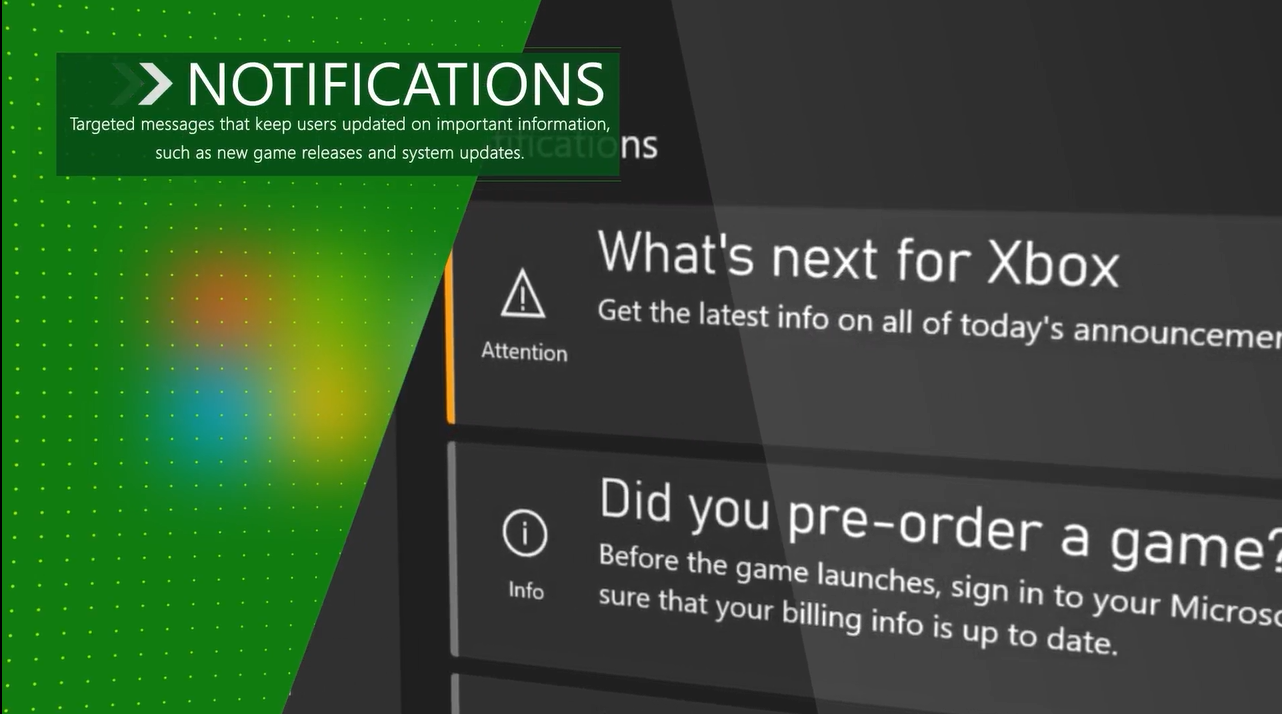
- 1:27Targeted notifications. Banner messages appear based on account type or known issues, guiding users to helpful information.
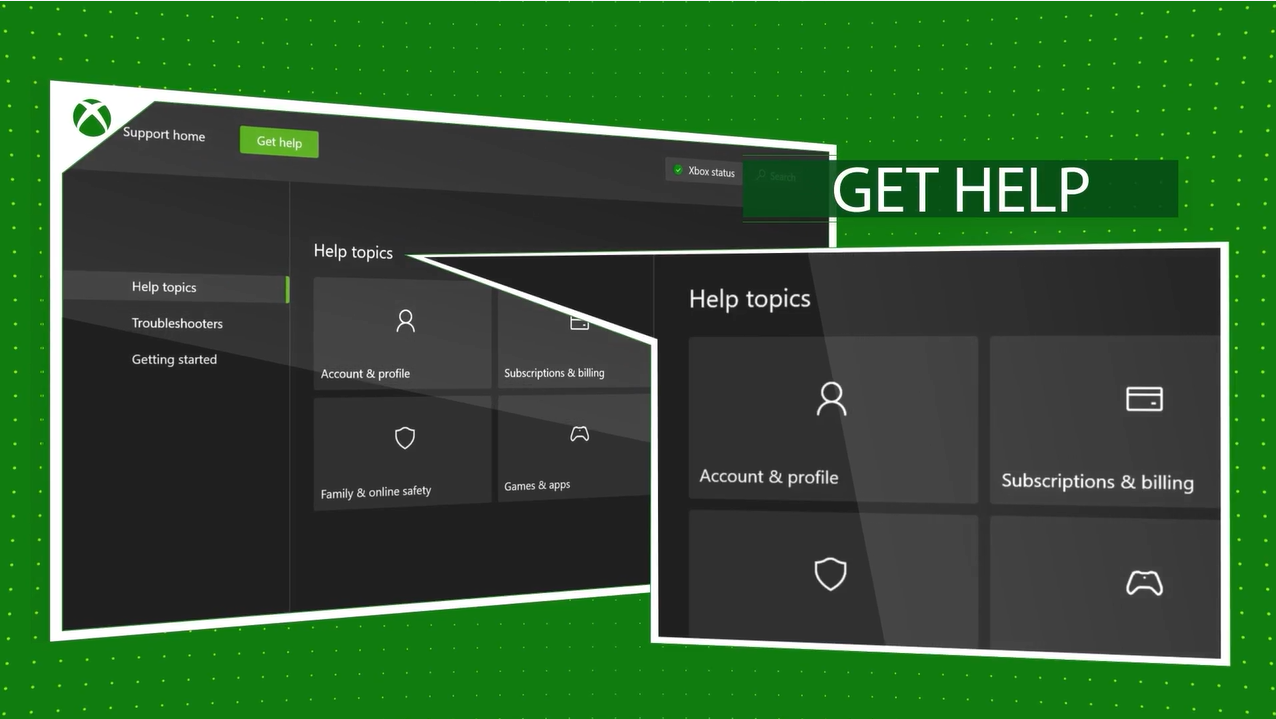
- 1:39Help topics. Support content organized into categories such as account, billing, and games. Topics include billboards, subpages, and article groups.
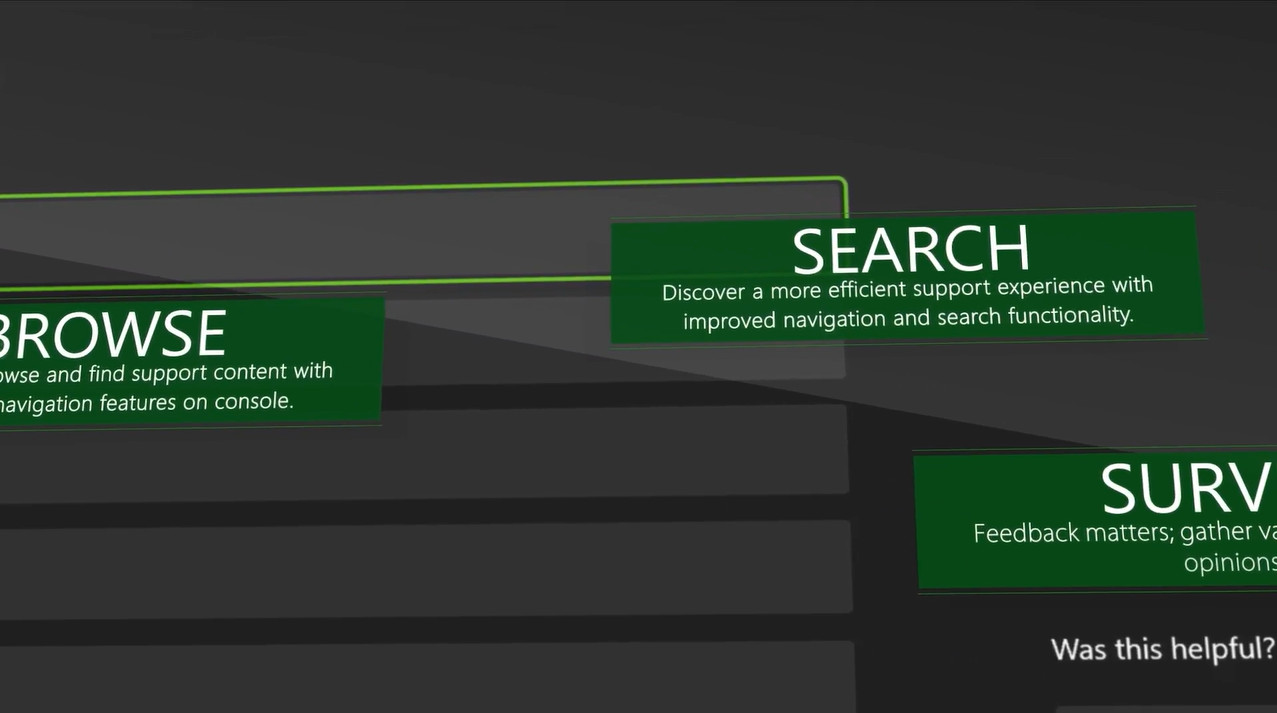
- 1:58Customization & search. Important content can be pinned. Articles sorted alphabetically and searchable via the top nav.
- 2:11Summary of features. Recap of convenience features — in-console access, mobile-friendly QR sharing, customization, search.
- 2:24Additional resources. Encouragement to view related videos and support tools across Xbox platforms.
Six features, one app.
QR code
sharing.
Easily transfer support articles to your mobile device by scanning a QR code — follow along on phone while keeping the game on screen.
In-game
overlay.
Access support content without leaving your game using the in-game overlay — minimal disruption to the gaming experience.
Real-time
updates.
Live service status updates and notifications about known issues affecting your gaming experience.
Intelligent
search.
Quickly find solutions with AI-powered search that understands natural language queries and suggests relevant support articles.
Status
notifications.
Real-time updates about Xbox Live service status and known issues, keeping players informed about potential service interruptions.
Mobile
integration.
Seamlessly continue reading support articles on your mobile device with a simple QR code scan — perfect for multi-tasking gamers.
After Effects, then Premiere.
This video was built using a custom motion design pipeline in Adobe After Effects and Premiere Pro. Scenes were animated with layered compositions, precise timing markers, and keyframe easing. Color grading tuned using waveform scopes for consistency and clarity across dark UI elements. Voiceover syncing and audio balancing handled in Premiere — blending SSML-enhanced Azure AI narration with music and ambient sound design for a polished, professional tone.
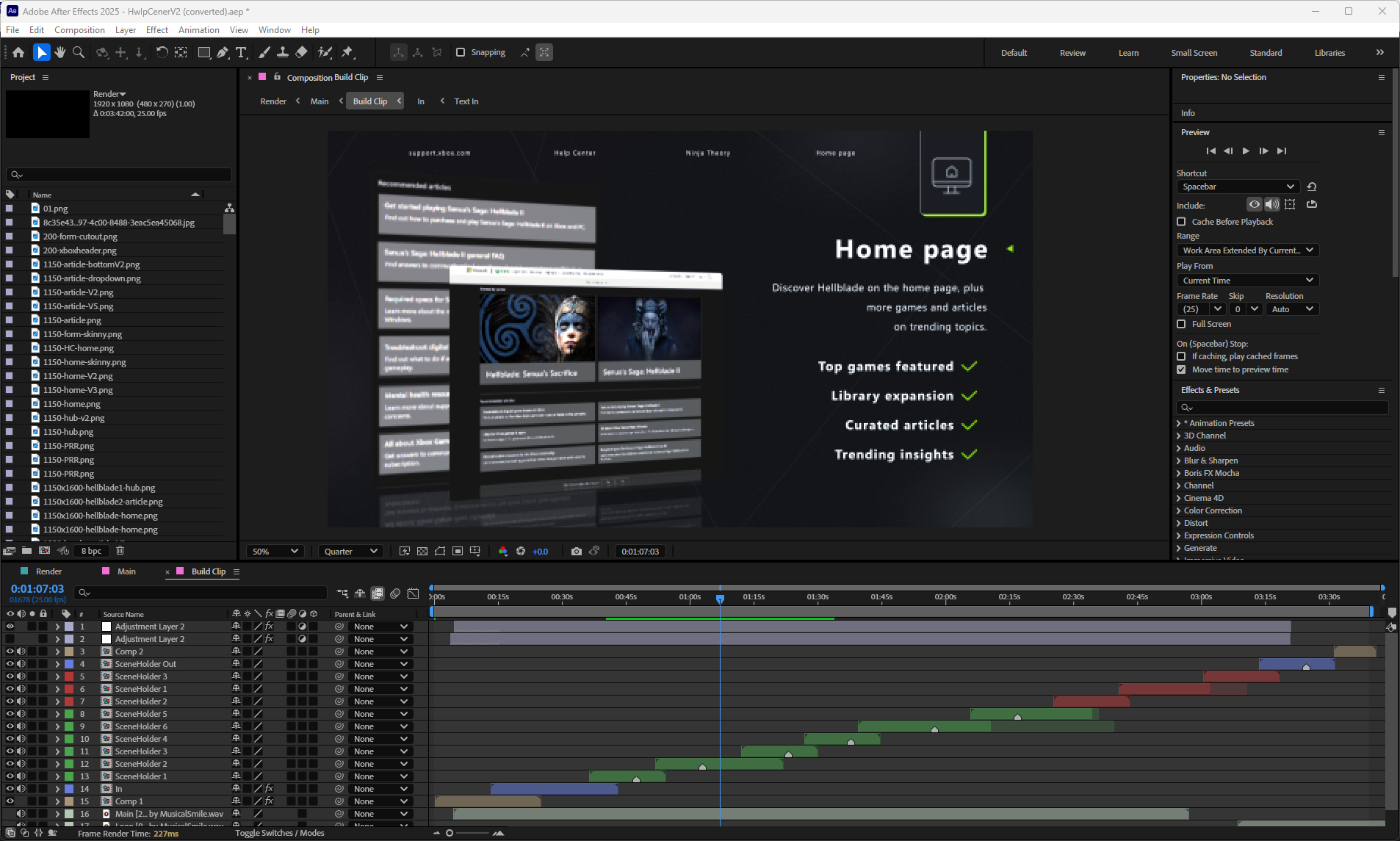
01 — Layered animation in AE
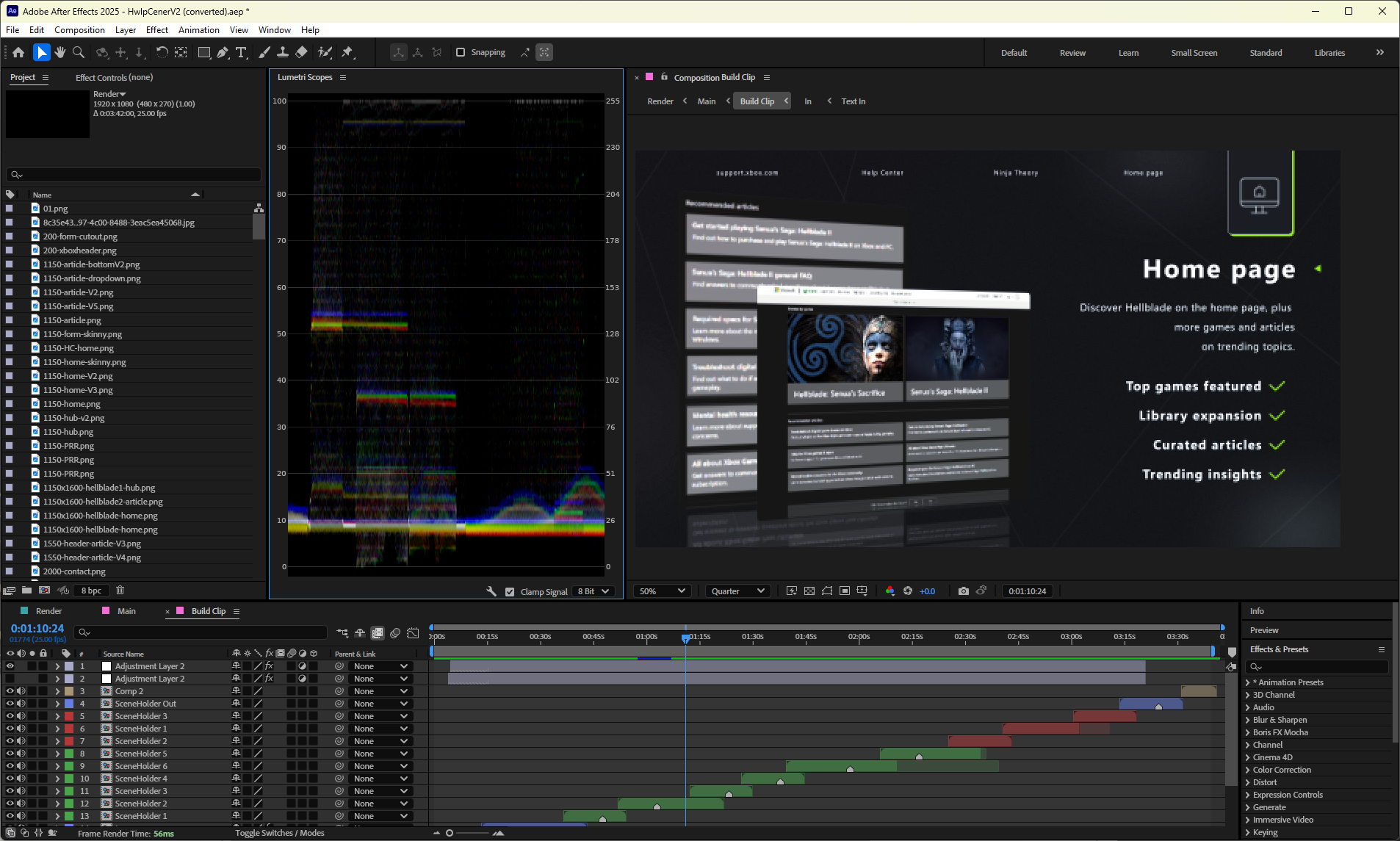
02 — Color grading & scope
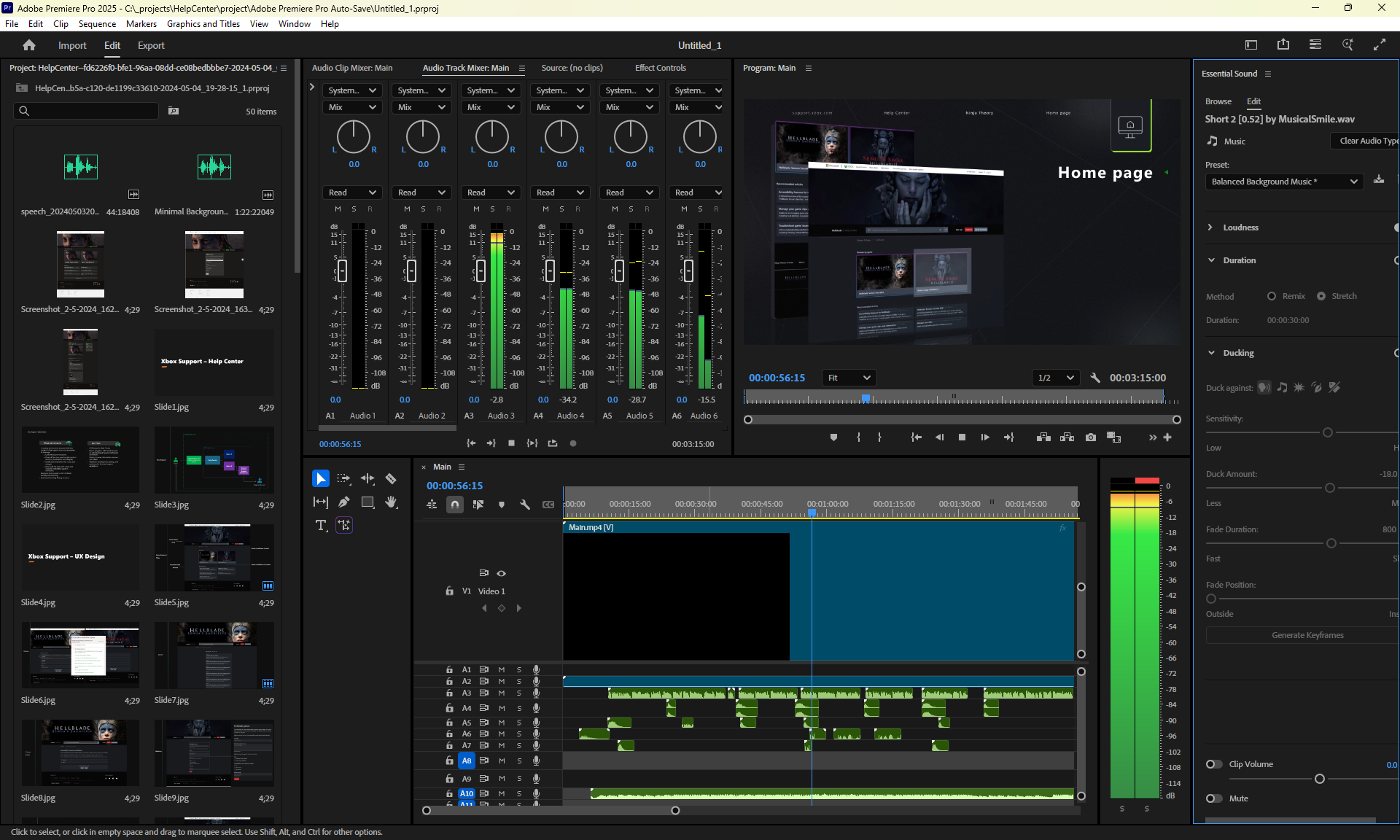
03 — Audio mixing in Premiere
Sixteen frames, concept to console.
01 — Launching app
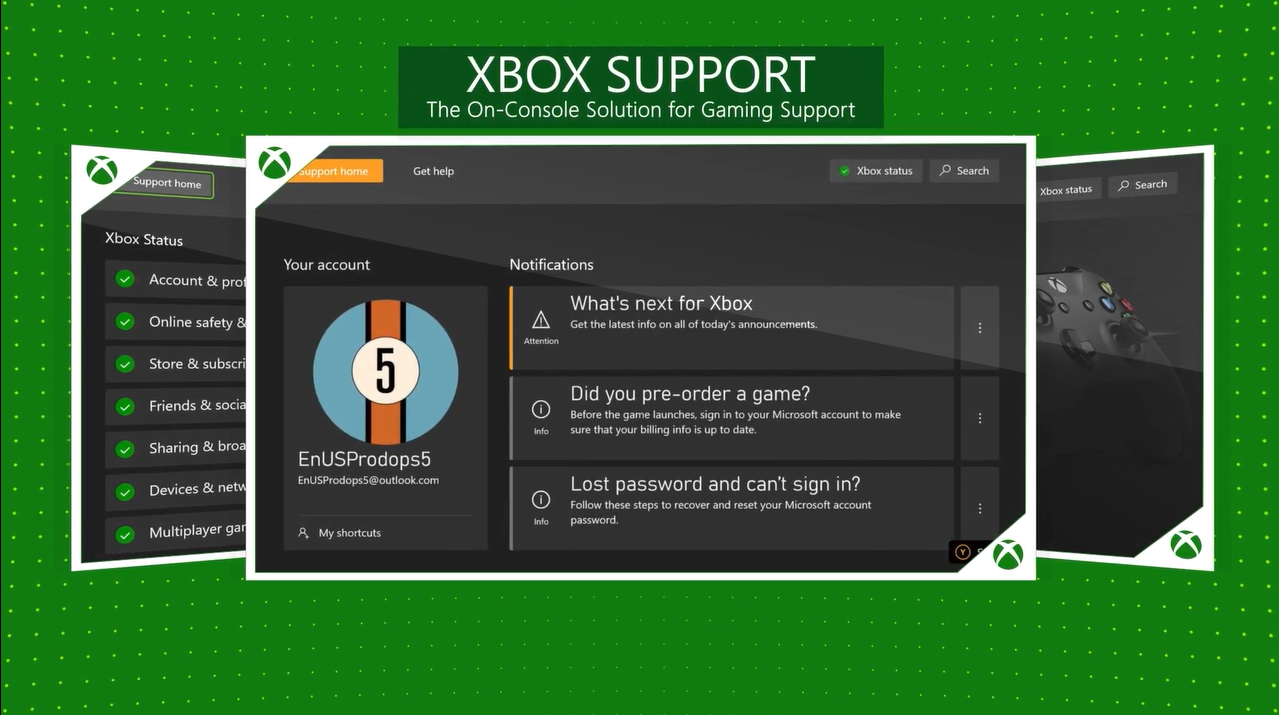
02 — Support home
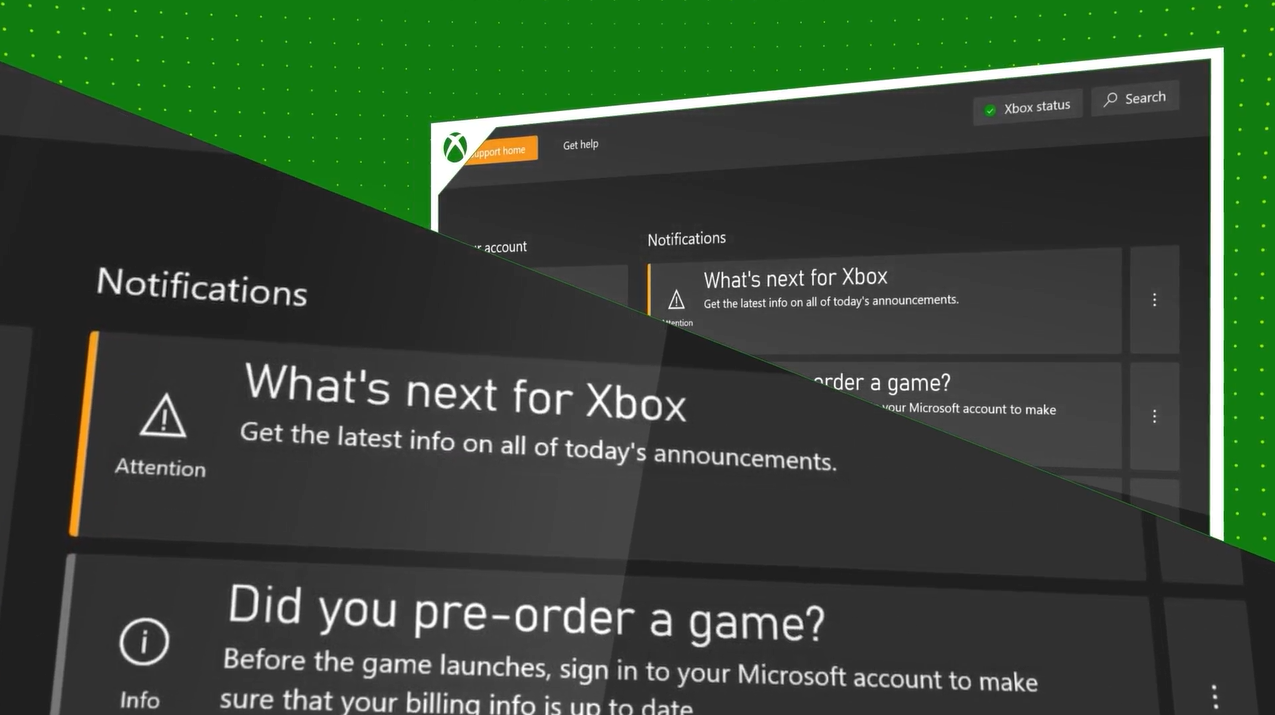
03 — Profile + System
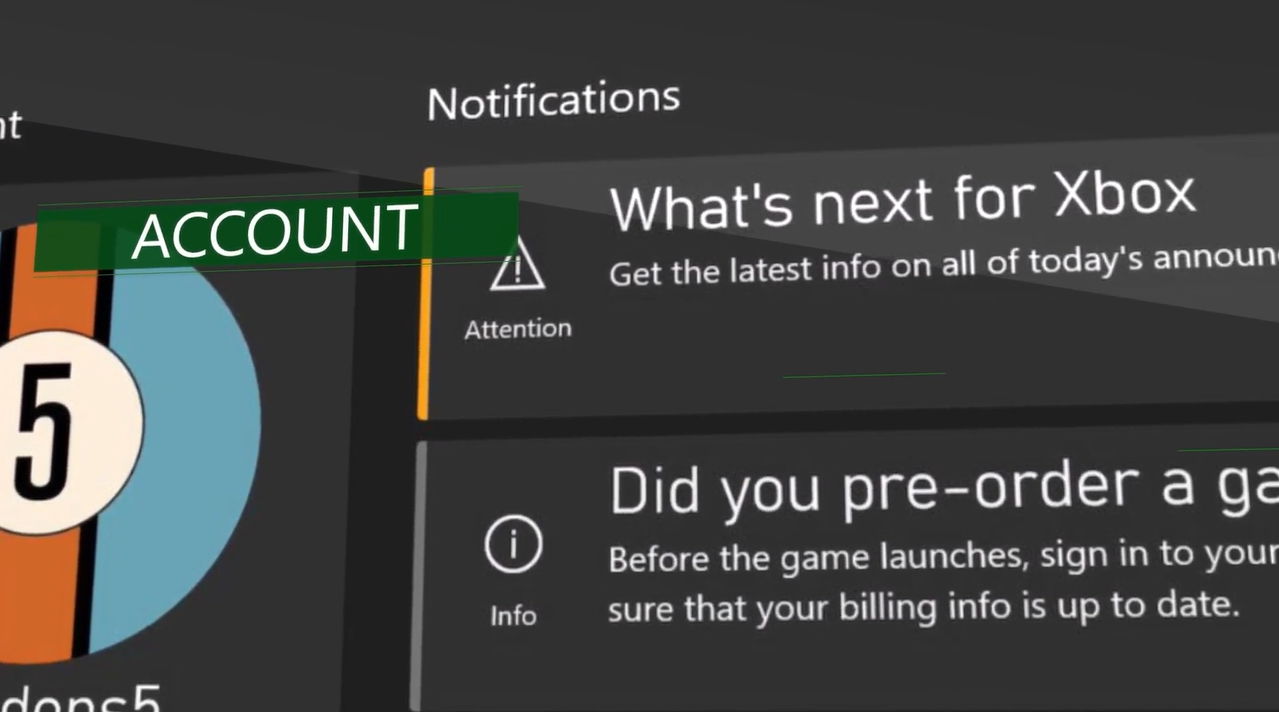
04 — Search integration
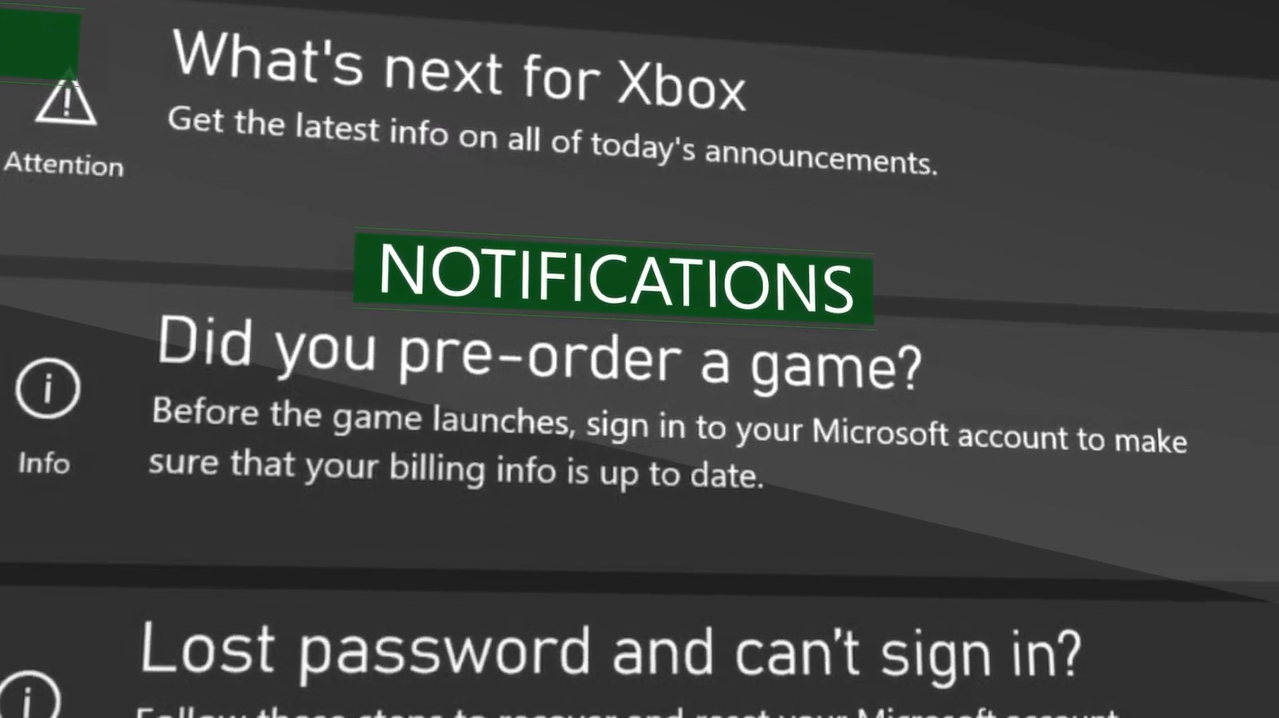
05 — Targeted notifications
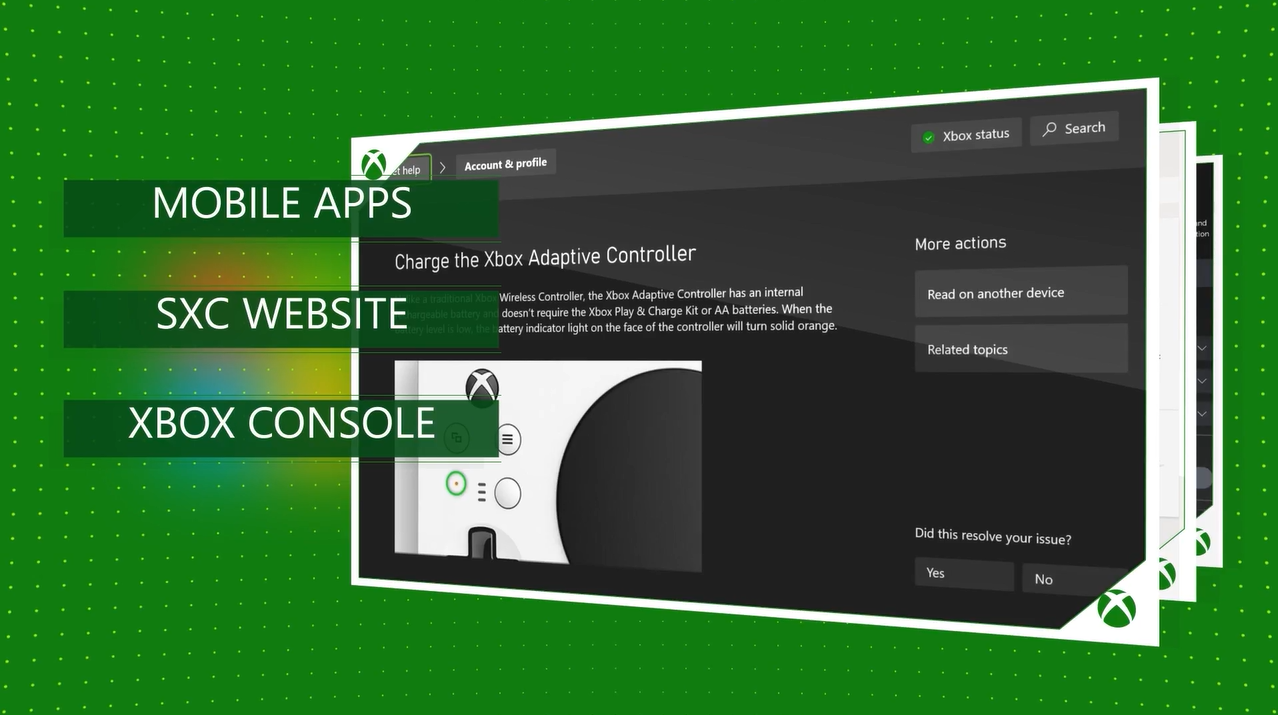
06 — Live status page
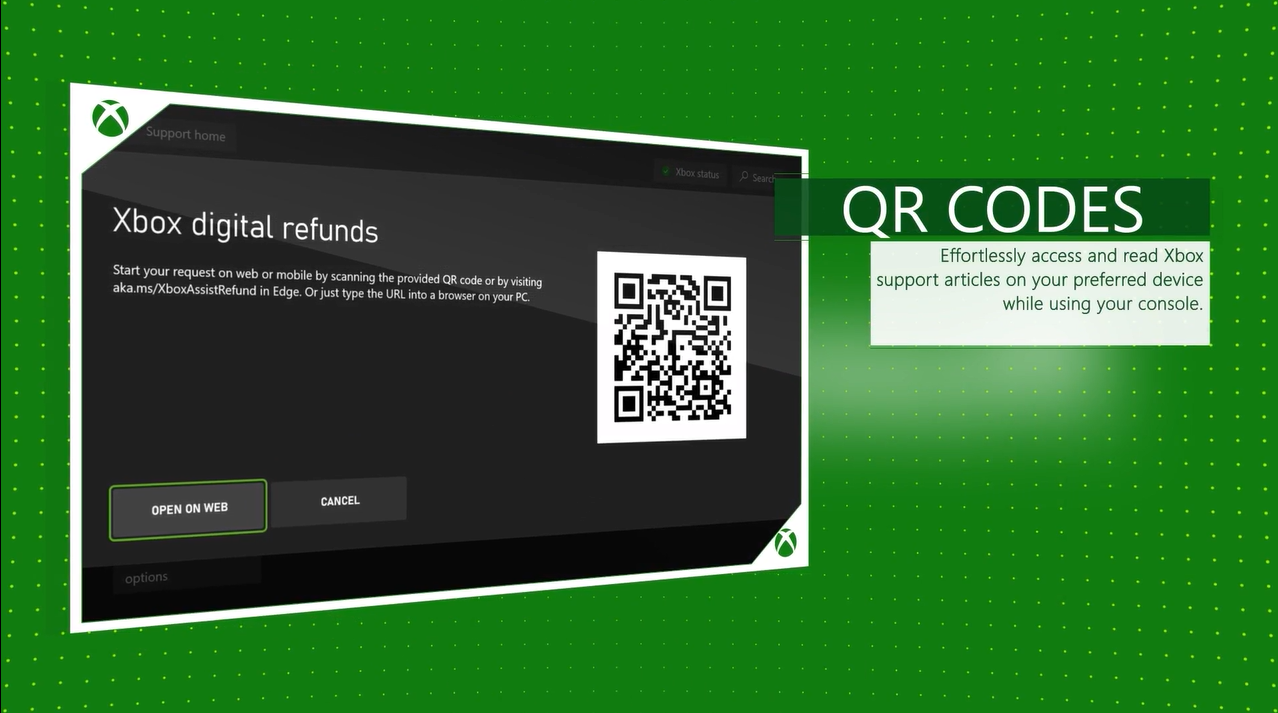
07 — Get Help nav
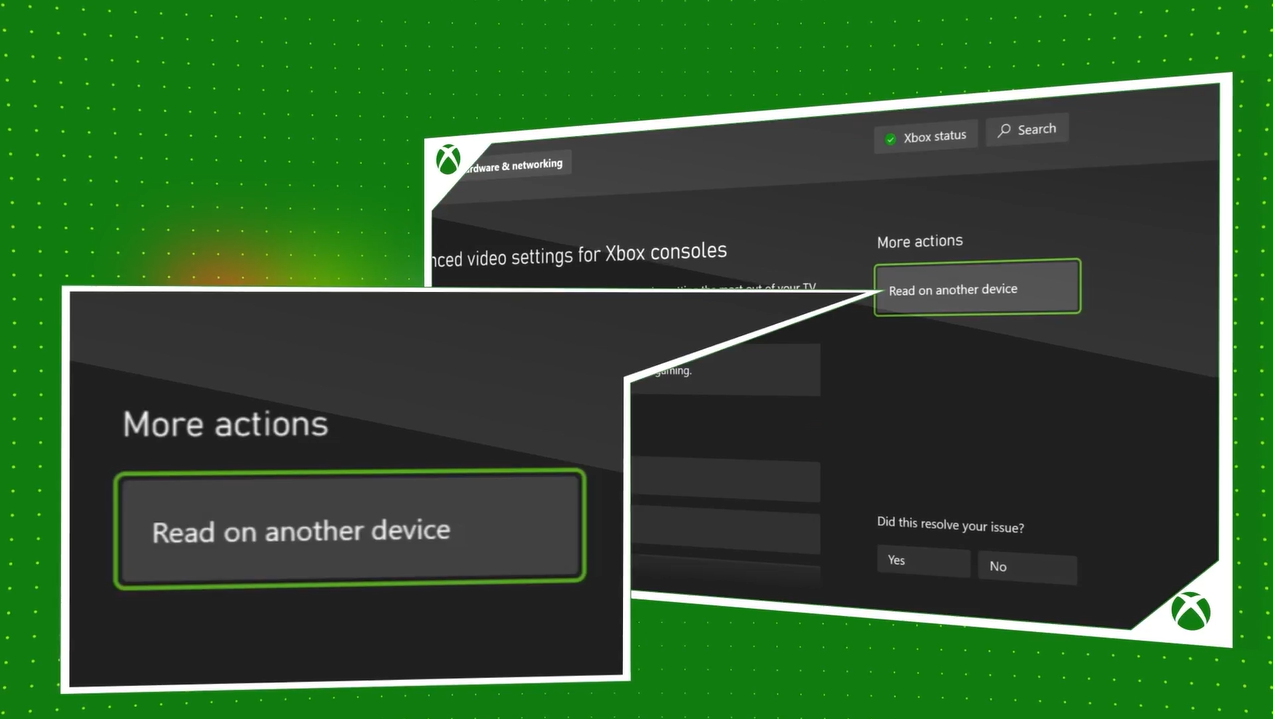
08 — Help topics grid
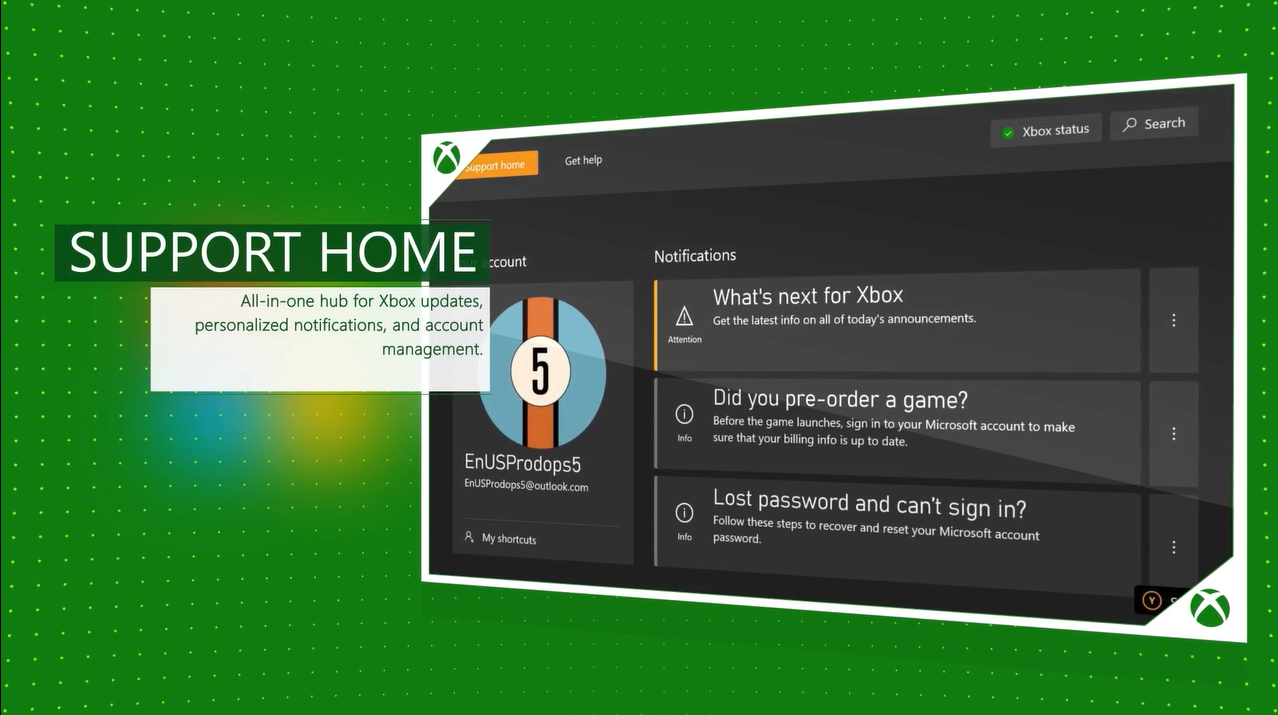
09 — Article view
10 — QR code prompt
11 — Cross-device
12 — Multi-page billboard
13 — Content pinning
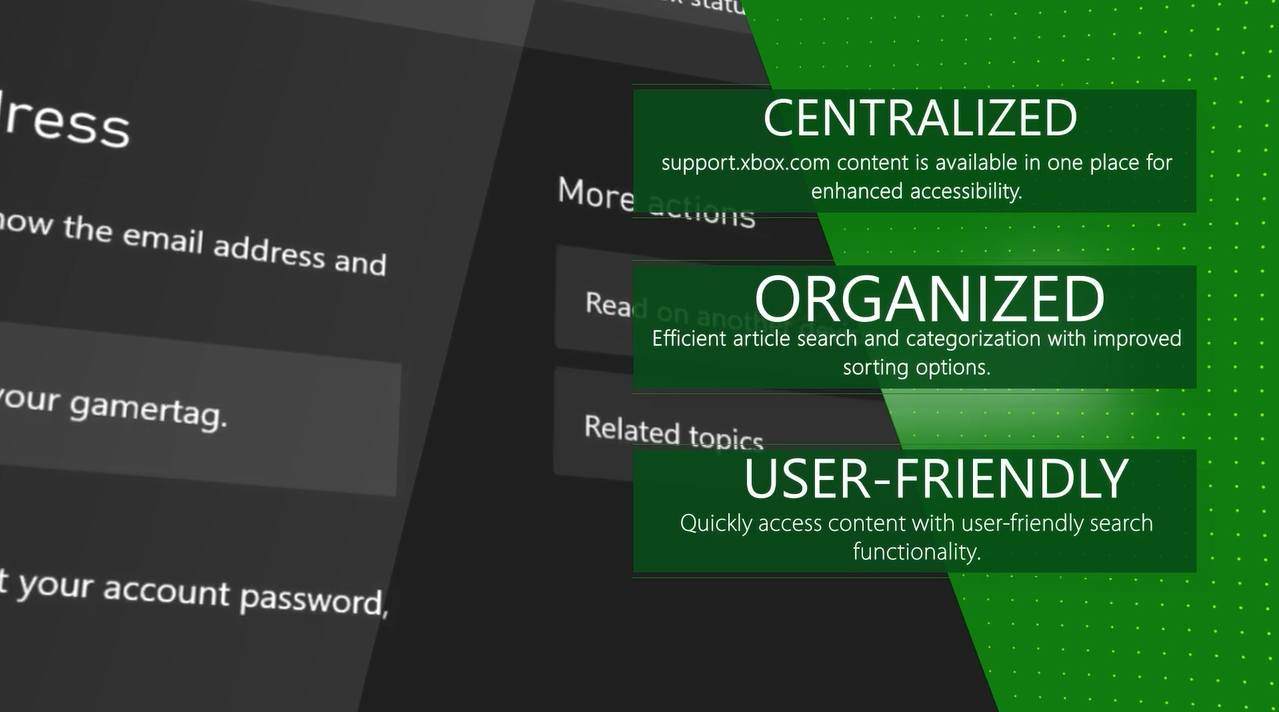
14 — Alphabetized listings
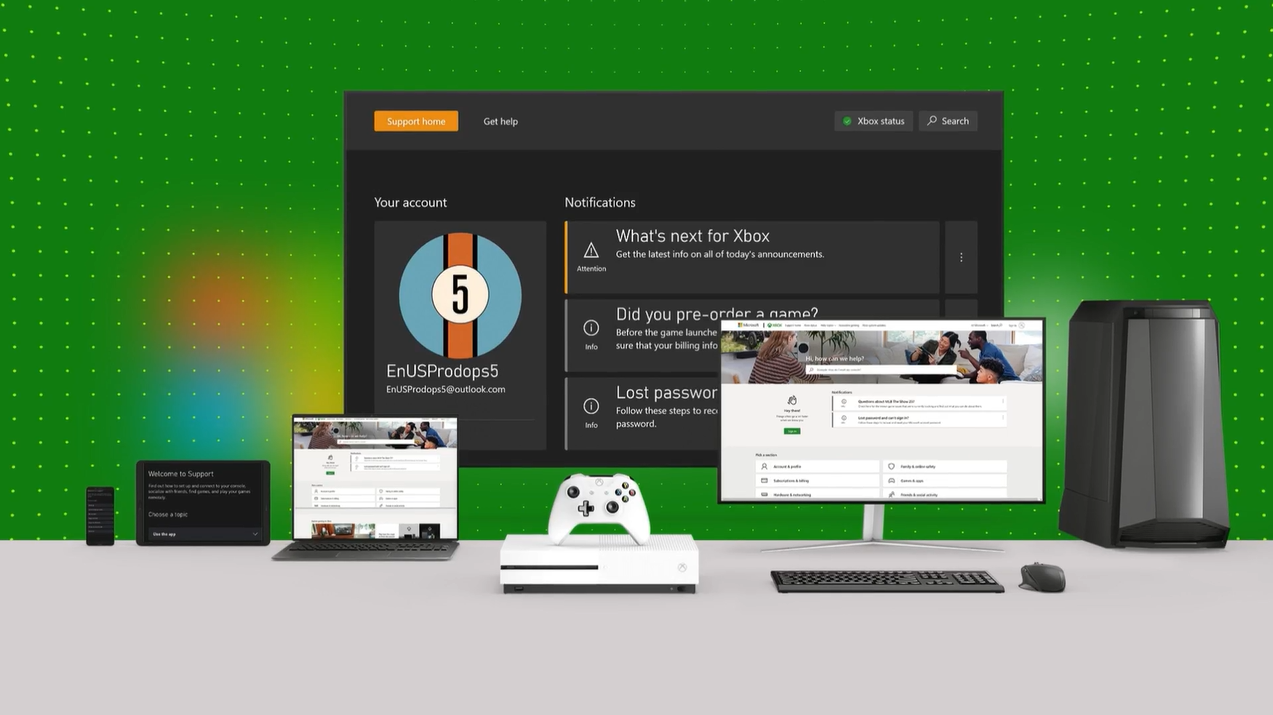
15 — Top-level nav
16 — Summary of features
Four numbers, 30M+ console users.
35%
Reduced support calls
Through improved self-service
90%
User satisfaction
For in-console support
45%
Faster resolution
Vs. web-only support
30M+
Monthly users
Across all Xbox consoles
The stack, front to back.
Frontend
stack.
The console UI layer.
- React Native
- Xbox One XDK
- Xbox Series X|S GDK
Backend
stack.
The Azure-powered service layer.
- Azure Cosmos DB
- Azure App Service
- Azure CDN
Production
stack.
The video build pipeline.
- After Effects
- Premiere Pro
- Azure Voice Studio