Figma Fleet.
Contract UX design — a visual-first Figma onboarding toolkit for the Xbox Support content team. Annotated walkthroughs, shortcut overlays, component systems.

- Role
- Contract UX designer · Microsoft
- Audience
- Xbox Support content team
- Walkthroughs
- 10+ annotated
- Trained
- 12 team members
- Onboarding
- 40% faster
- Status
- Shipped · 2024
A toolkit, not a manual.
Annotated walkthroughs, not a PDF.
As a contract visual designer for Microsoft, I built a clear, visually guided onboarding toolkit for Xbox Support team members learning Figma. The project — internally nicknamed “Figma Fleet” — focused on practical UX onboarding using annotated screenshots, shortcut overlays, and structured flows inside a shared Figma workspace.
The toolkit empowers support leads and content creators to understand frame hierarchy, edit flows, and contribute lightweight updates to shared files. System clarity, with just enough visual charm to keep engagement high.
Map the questions, then answer in pictures.
Started by mapping the most common questions Xbox Support teams asked about Figma — from file access to layer control. Then staged a multi-screen walkthrough, capturing each phase with annotation layers and a consistent visual style.
Built a keyboard overlay system that teaches shortcuts visually, helping speed up team fluency in live-edit scenarios. Every asset was produced inside Figma itself so the toolkit doubles as a live reference.
Eight frames, one fleet.
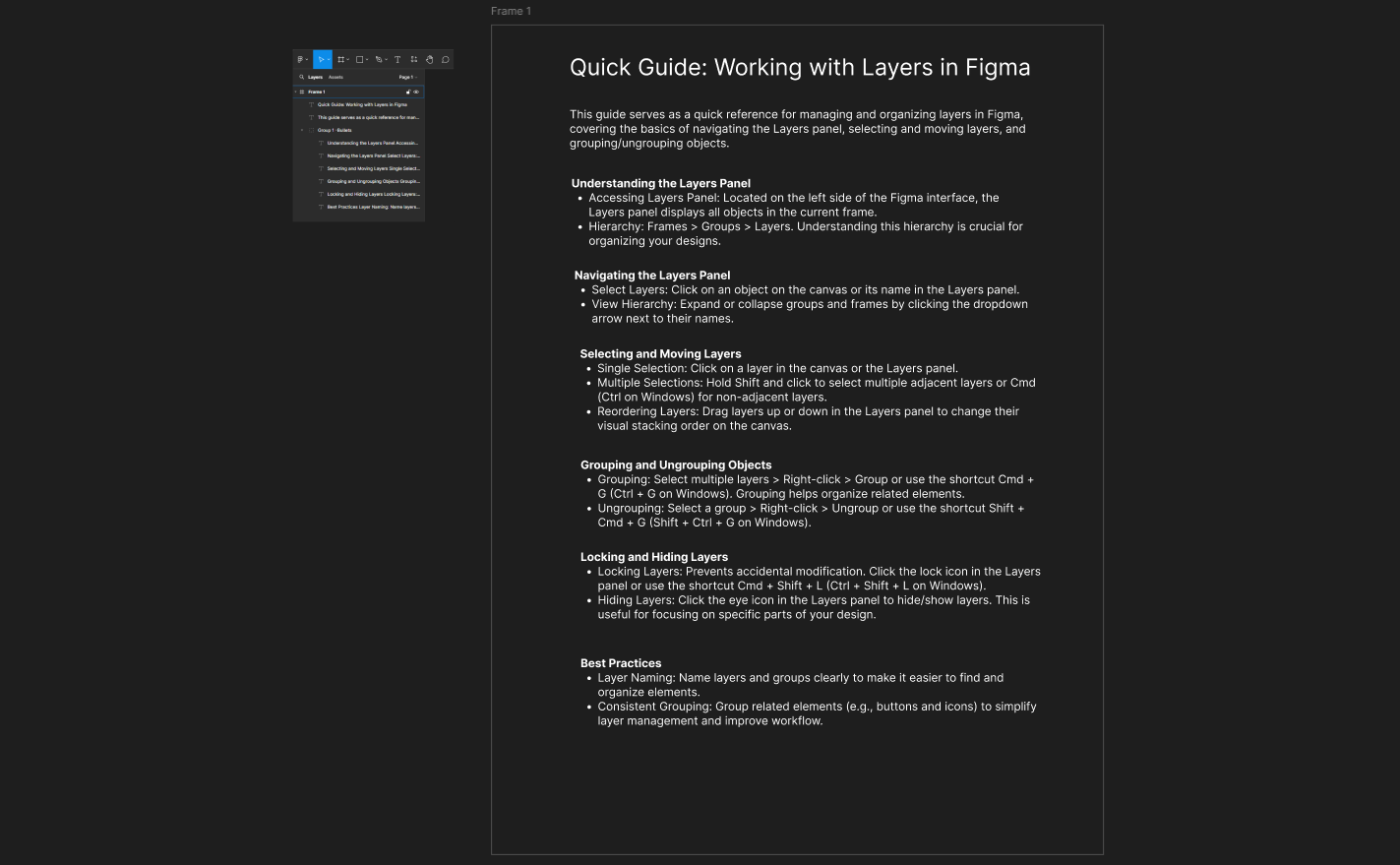
01 — Project dashboard
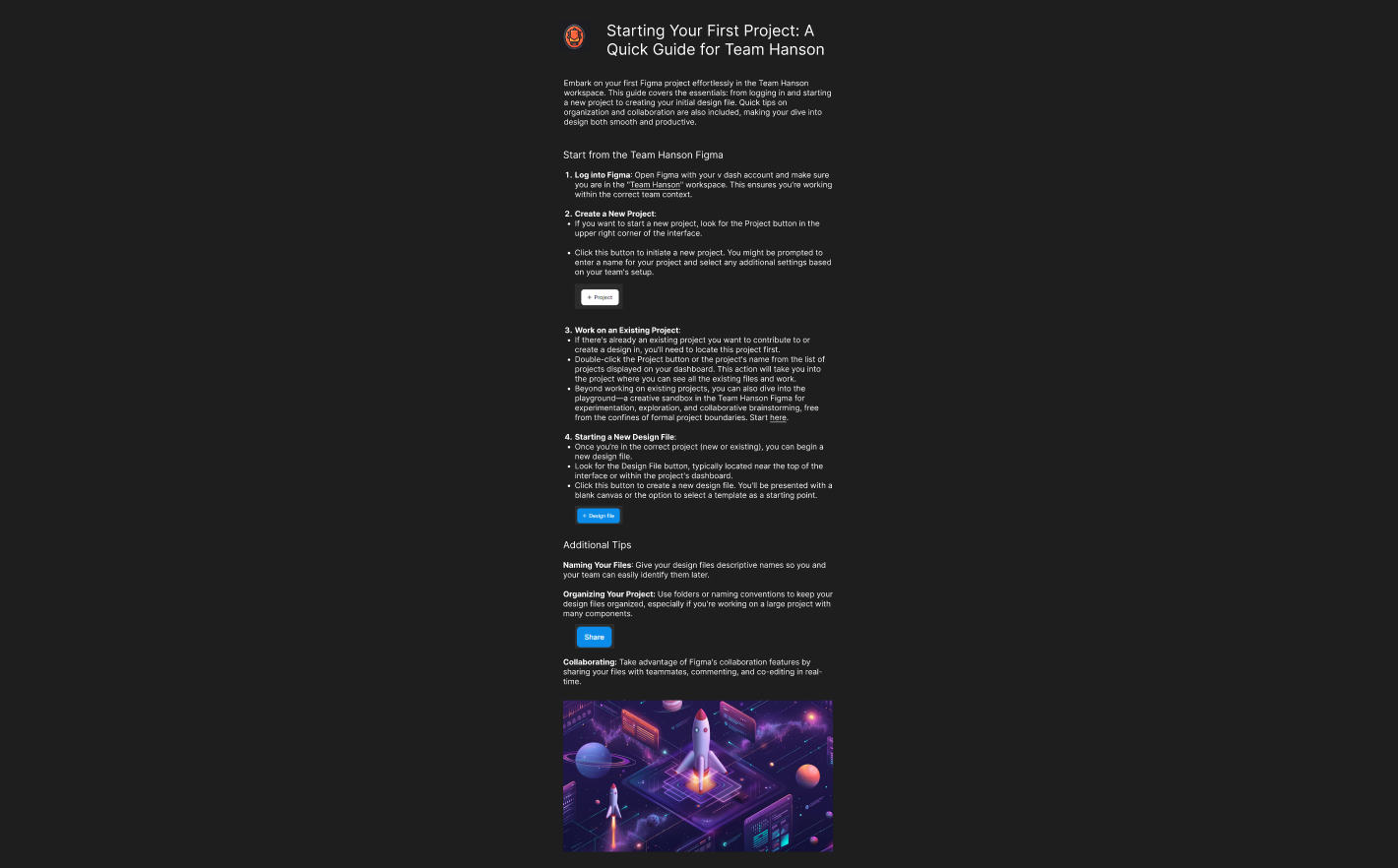
02 — Layer naming
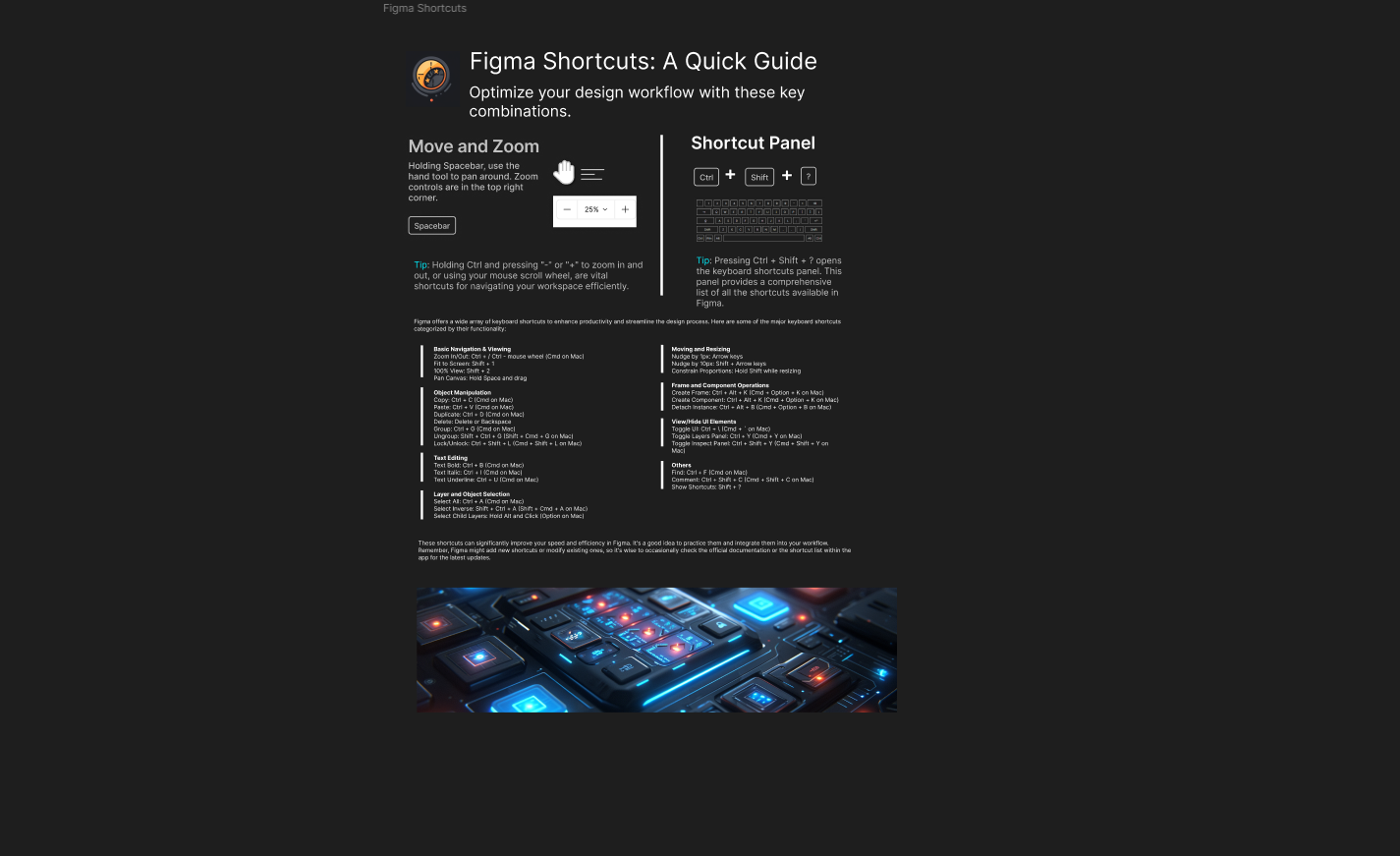
03 — Frame & layout
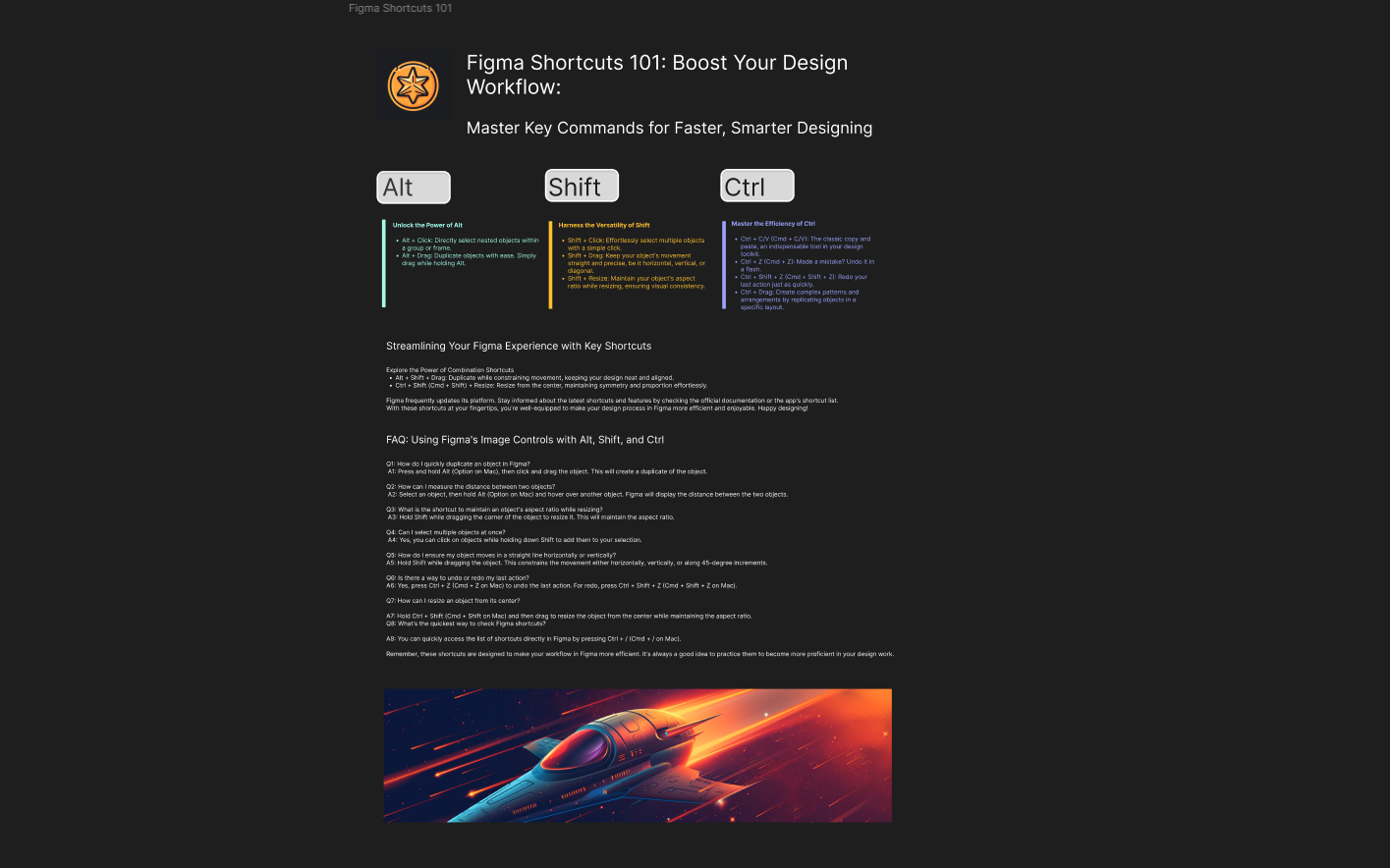
04 — Component system
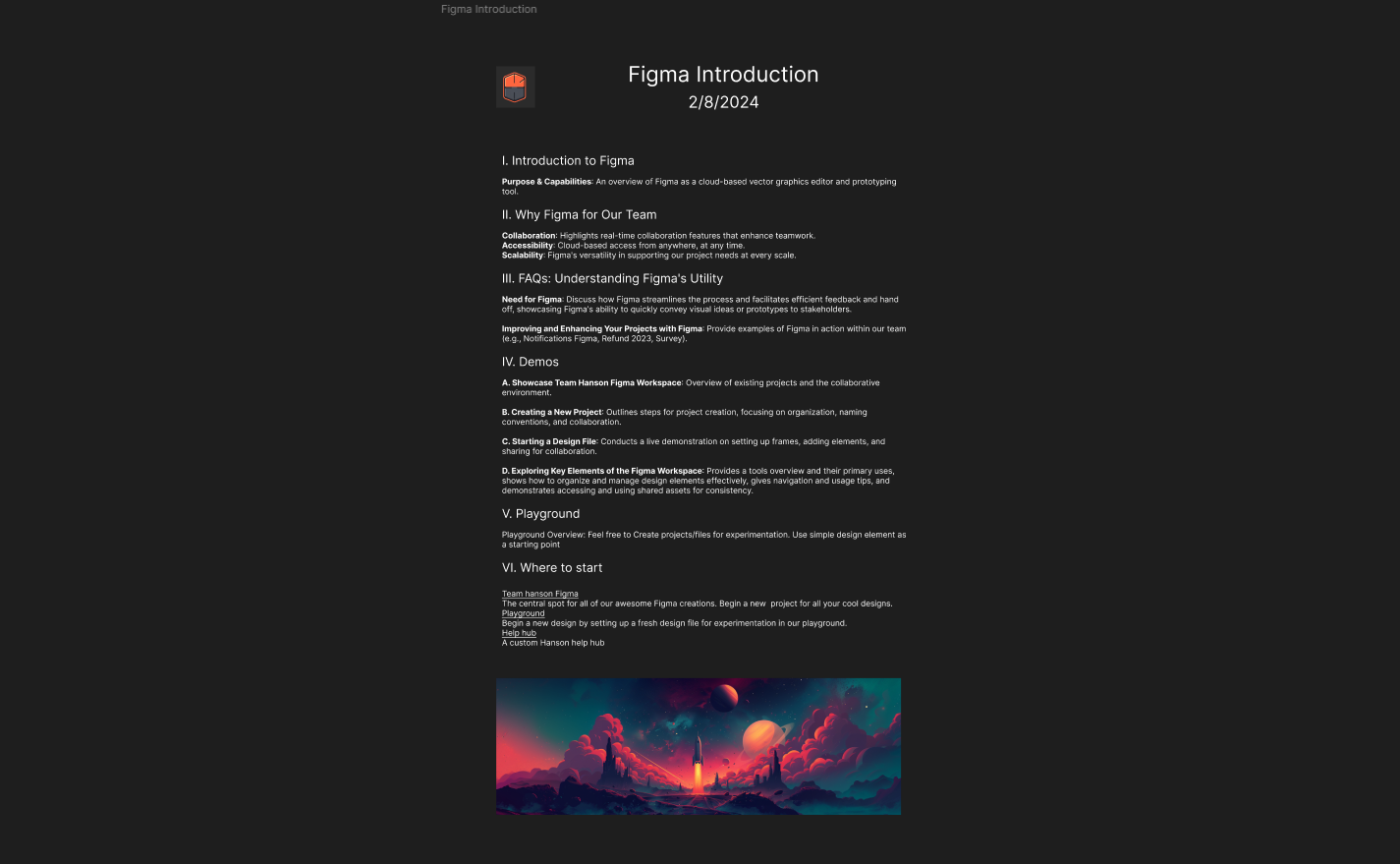
05 — Feedback mode
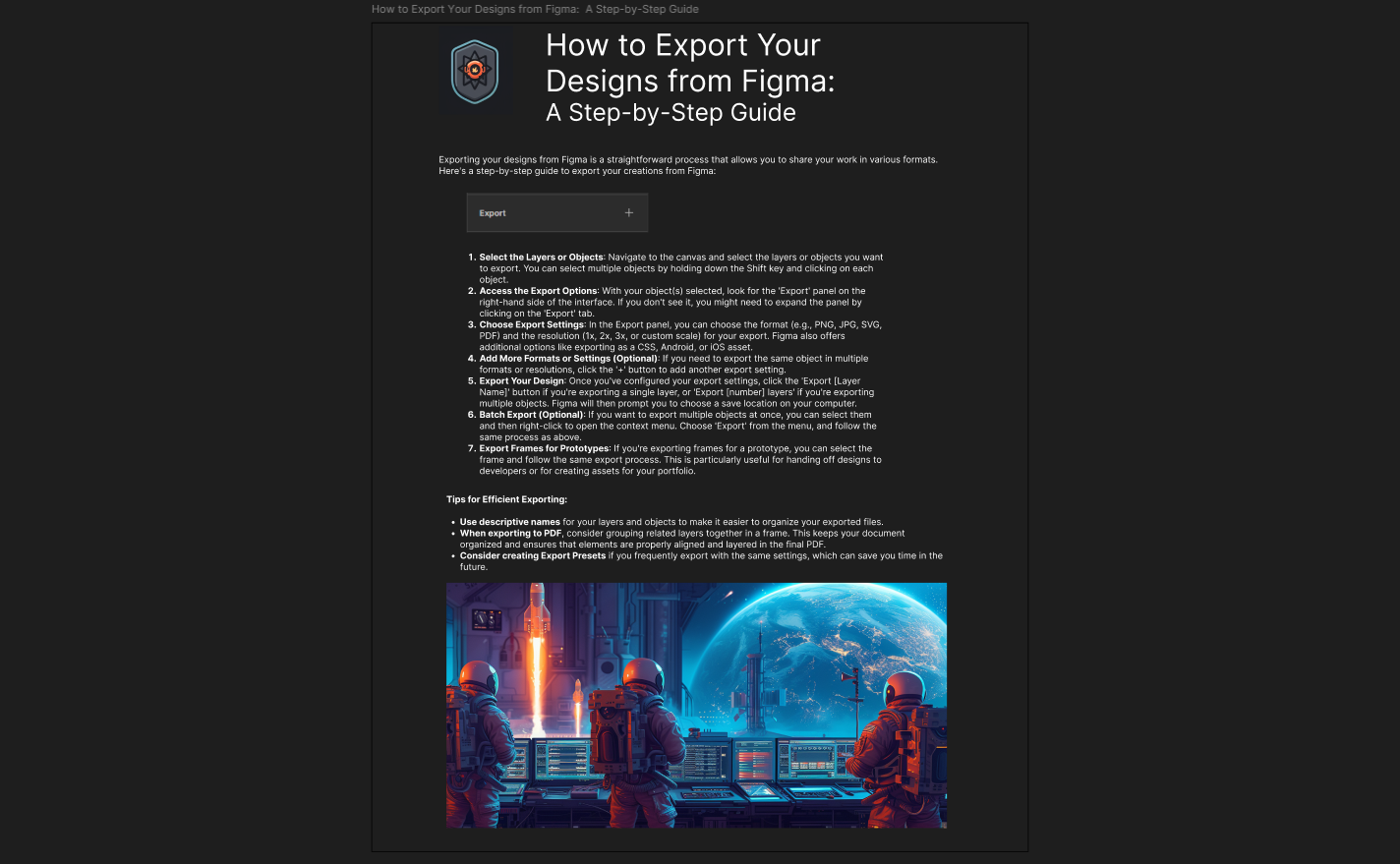
06 — Prototype simulation
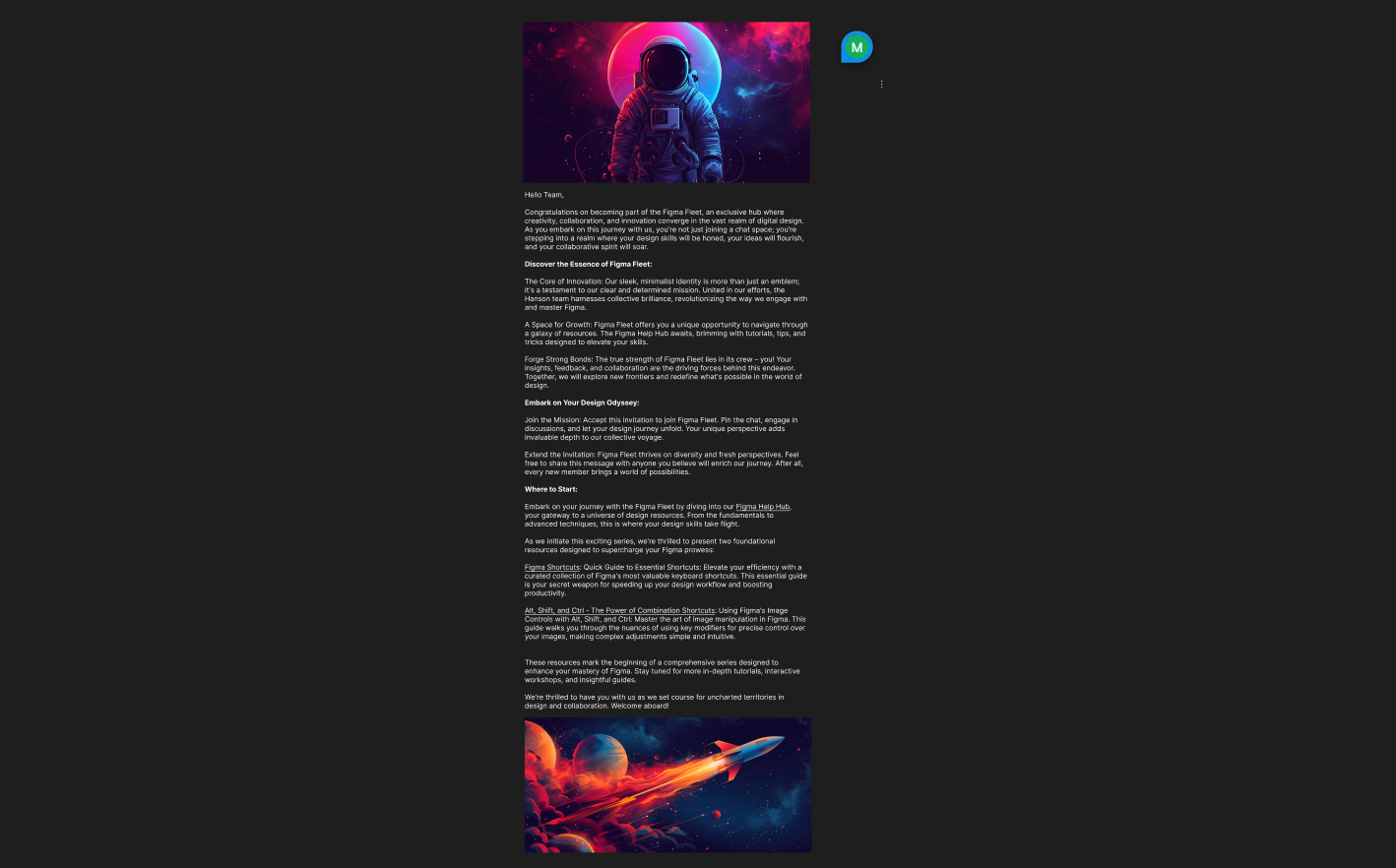
07 — Shortcut map
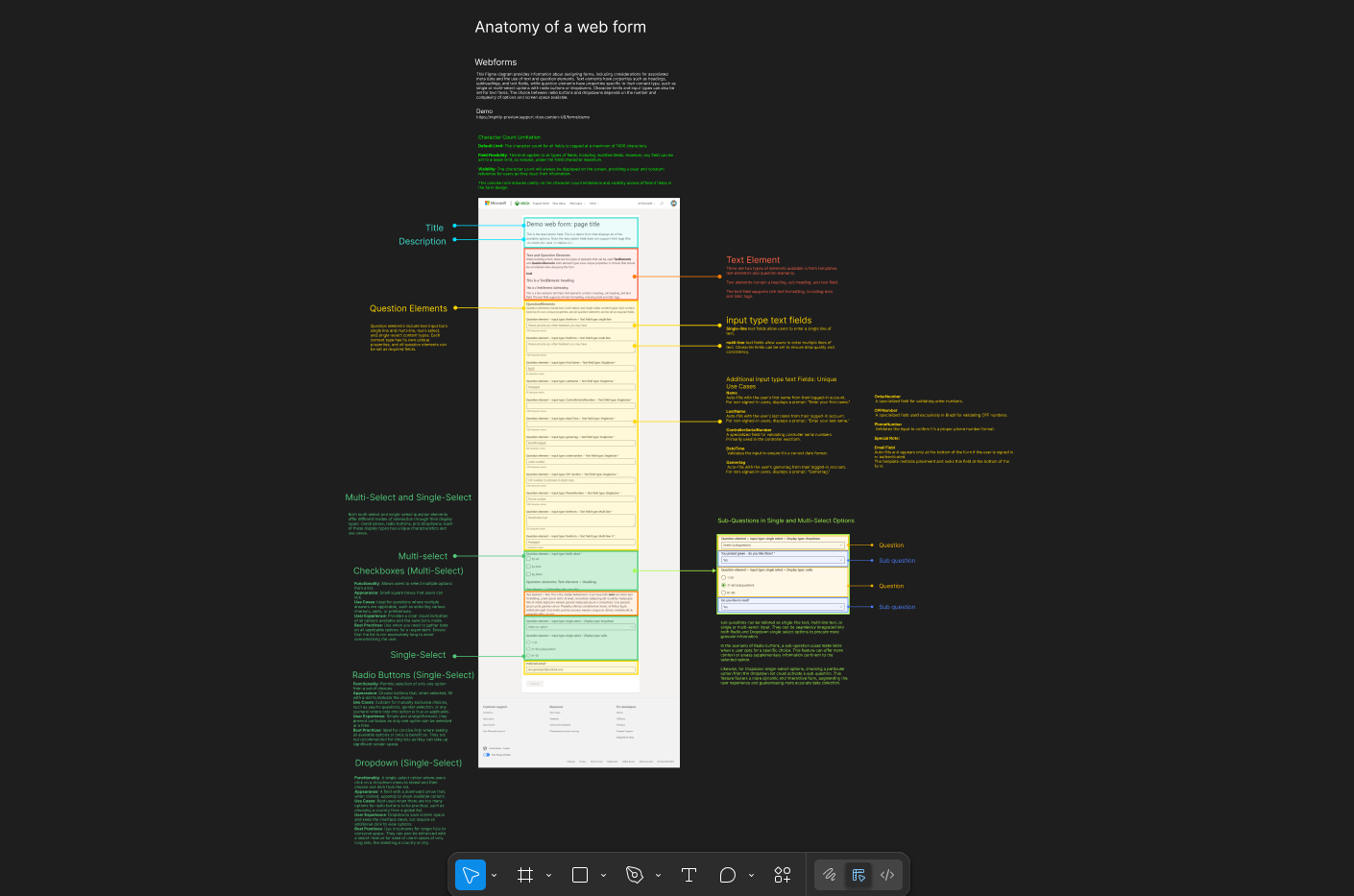
08 — Final tutorial
Seven habits, one toolkit.
Craft
+ capture.
Figma as a live instruction surface — annotated screenshots, markup layers, overlay design produced inside the tool the learners are learning.
- Figma (desktop & web)
- UI annotation + markup
- Snagit / Skitch capture
Systems
+ shortcuts.
A keyboard overlay system that teaches shortcuts visually. Component hygiene and library structure so the team can contribute without breaking shared files.
- Custom shortcut overlays
- Component systems
- Library hygiene
Standards
+ reach.
WCAG contrast and accessibility checks bundled into the reference. Visual documentation styled to live alongside the team’s real support articles.
- WCAG contrast checks
- Accessibility audits
- Training documentation
Three numbers, one shipped fleet.
10+
Annotated walkthroughs created
12
Team members trained
40%
Faster onboarding time
Three takeaways, still useful.
Visual learning
first.
Figma adoption is faster when examples are practical, repeatable, and visual.
Component
discipline.
Even small teams benefit from shared structure and consistent naming.
Support-centric
design.
Design training should reflect the real tools and constraints of the team.